Make the message worth watching.
Shape your footage into a video with a clear opening, a useful middle, and a purposeful finish. Creator Rise Agency offers defined editing packages for short-form content, explainers, and creator videos, with scope based on runtime and source footage.
A clear scope for your next step
- Focused short-form edits or a longer cut made from your supplied footage.
- Runtime and source-footage limits are listed for every package.
- MP4 handoff with the platform format agreed before editing begins.
A clearer brief makes better work possible.
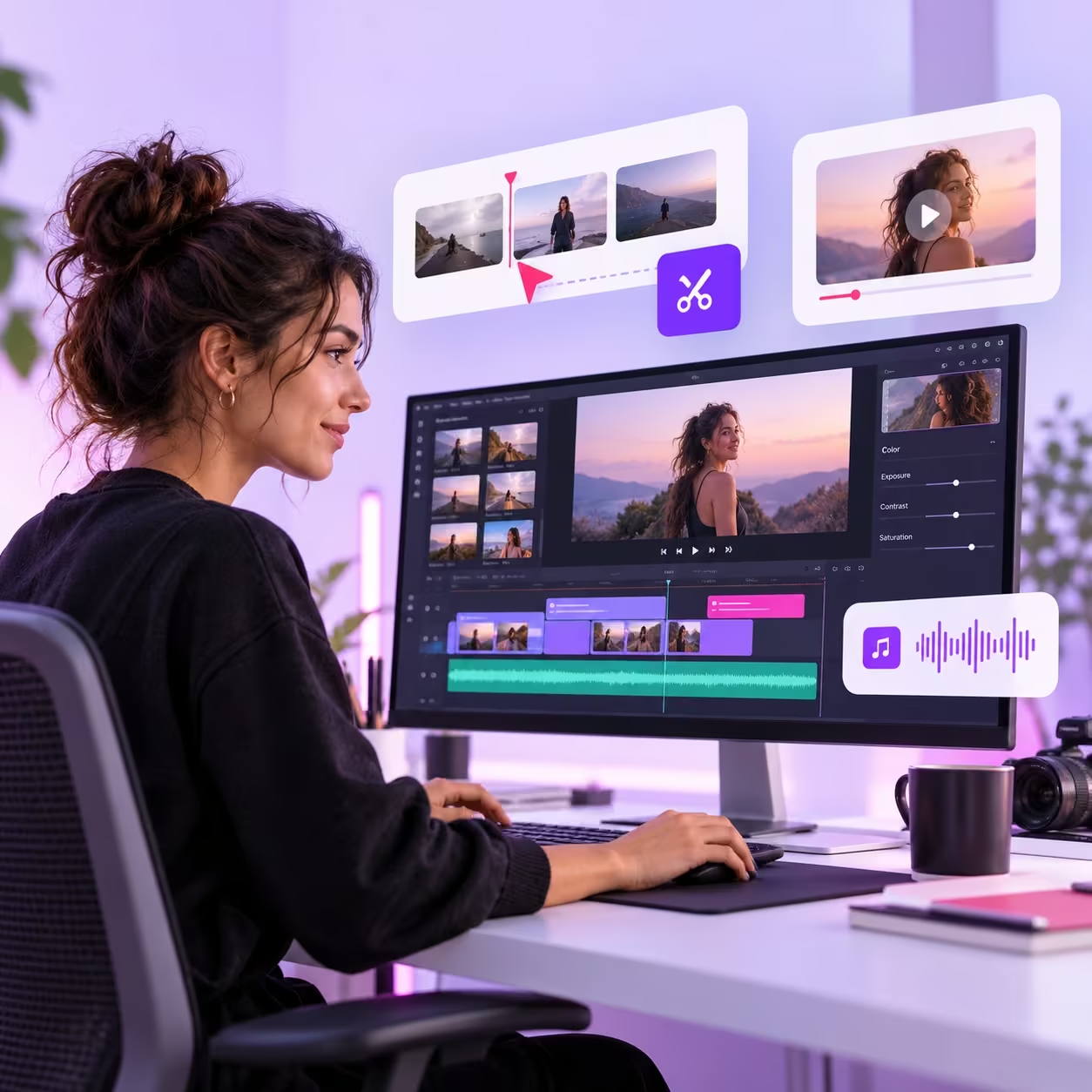
Good footage can still lose its thread in the edit. Long pauses, competing messages, inconsistent audio, and unreadable captions make an otherwise useful story harder to follow. Editing starts with the message, then uses pacing and visual emphasis to support it.
Story
Decide what the viewer should understand before choosing effects or transitions.
Source material
Review your footage, audio, and approved brand assets against the selected package.
Final format
Agree on the destination, aspect ratio, and finished runtime before the edit begins.
How video editing takes shape
Story first
agree on the main point, the intended viewer, and the action the video should encourage.
A focused edit
trim pauses, order the strongest moments, balance speech, and add readable captions where included.
A clean handoff
review the cut, consolidate feedback, and export in the agreed platform format.
When video editing is the right next step
These common project situations help you identify the work you need. The package descriptions below remain the source of truth for quantities and deliverables.
Footage with a strong idea but a slow opening
Lead with the point the viewer came for. Trim repeated introductions and use the first moments to establish what the video will explain, demonstrate, or show.
A short that needs clearer pacing
Use cuts to support the story rather than filling every moment with effects. Leave enough time for a viewer to read important captions and understand the main action.
A small batch that needs consistency
Agree on typography, framing, and caption treatment before the edit. Shared visual choices help a batch feel connected without making every video identical.
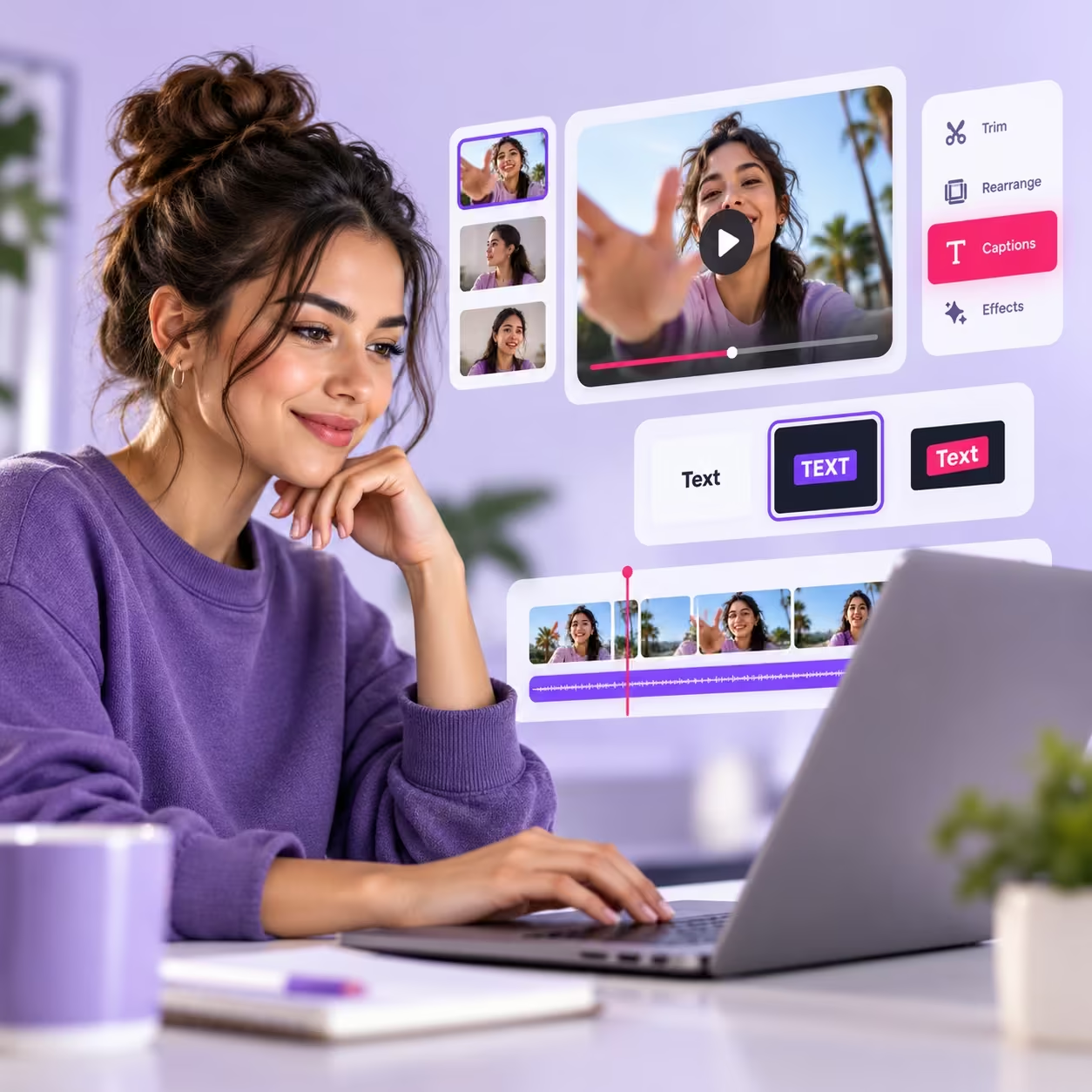
Illustrative creative workflow.
Let the story guide the cut.
References are helpful, but the footage sets the practical possibilities. Tell us which moment matters most, what the viewer needs to understand, and where the video will appear. Clear audio and organized source files make it easier to build a cut that supports the message without distracting from it.
Choose the package that matches the work you need. A complete brief helps establish the delivery schedule and keeps the feedback focused.
What makes the brief useful
- Specify the final runtime and aspect ratio before the first cut.
- Send downloadable original footage and a clear reference for pace and style.
- Mark the strongest moments and explain the message the opening should establish.
- Provide approved names, spelling, graphics, and permitted music where relevant.
- Choose a package that fits the total footage and required captions or graphics.
A service relationship built on clarity.
Know the scope, the price, and how to share feedback before your project begins.
Transparent USD fees
Basic $10, Standard $50, and Premium $120 are one-time agency fees. Campaign ad spend is separate.
Defined deliverables
Each package lists its quantities, limits, and included work so you can compare the scope before ordering.
Included revision rounds
One, two, or three consolidated rounds, depending on your package, stay within the approved project brief.
Direct project communication
Email your brief and order number to contact@creatorriseagency.shop. Delivery timing is agreed after the brief is complete.
Choose your video editing package
Start with the scope that fits your project. Each package includes the deliverables listed below and takes you directly to checkout.
One simple short-form cut
- 1 video, up to 30 seconds
- Up to 3 minutes source footage
- Basic cuts and audio leveling
- 1 consolidated revision
One polished short-form video
- 1 video, up to 60 seconds
- Up to 10 minutes source footage
- Captions and basic color adjustment
- 2 consolidated revisions
A longer edit or content batch
- 1 video up to 5 minutes OR 3 shorts
- Up to 30 minutes source footage total
- Captions and simple text graphics
- 3 consolidated revisions
USD service fees. No subscription. Delivery timing is agreed after we receive your complete brief. Revisions stay within the approved scope.
What to send with your order
Use these four essentials to organize your materials before you send your brief.
Source footage and audio
Send accessible download links for your footage, voiceover, and any supplied audio.
Your message and references
Share the purpose of the video and reference edits that show the pacing or style you prefer.
Format and brand assets
Specify the platform, aspect ratio, target runtime, and approved logos or caption text.
Rights and review notes
Confirm that you may use the supplied materials and nominate one person to consolidate feedback.
Provide downloadable footage, a reference style, the target platform, and any brand fonts or graphics you are licensed to use. Specify aspect ratio before editing begins. MP4 delivery is included; project files, advanced animation, filming, voiceover, and licensed stock purchases are outside these packages. Captions depend on clear source audio.
Choose content strategy to plan the message, video editing to produce the cut, or campaign management to organize a launch. Each is a separate service rather than an automatic package inclusion.
See how the work connects.
An illustrative workflow showing how the decisions fit together. Your selected package determines the actual deliverables.
Source footage
Choose the clearest opening from the available footage.
Story selection
Arrange the clips so the message is easy to follow.
Sound and captions
Refine pacing, captions, and audio within the package scope.
Final export
Review the export against the brief and intended platform.
A practical project scenario
A product demonstration can open with the finished result, move into the most useful steps, and close with one clear instruction. Simple text can highlight the step that is hard to hear or see. This example illustrates an editing approach; it is not a client case study.
Start with the package that covers your actual materials and scope. If your project needs more work, email the brief before ordering so the additional requirements can be discussed.
What to review at each stage
A thoughtful review connects the work to its purpose. Keep feedback specific, consolidated, and within the approved brief.
Review the story
Watch the full cut before commenting. Check whether the opening sets the right expectation and whether the ending follows naturally from the material.
Review the details
Check names, product wording, captions, aspect ratio, and any on-screen instructions. Send timestamped notes together so the revision round has a clear direction.
Prepare to publish
Confirm the agreed export plays correctly on your device and matches the destination format. Platform uploads, thumbnails, and posting remain separate unless explicitly agreed.
Review the final cut with a clear purpose.
Watch once for the story and again for details. Check captions, names, aspect ratio, and the intended ending. Send timestamped notes in one consolidated round. Changing the concept or adding footage may require a new scope; the listed revisions cover the approved brief.
Your handoff checklist
- Watch the opening for a clear reason to keep watching.
- Check captions, names, pronunciation context, and any on-screen claims.
- Review audio balance and readability on a phone as well as a larger screen.
- Use timestamps and consolidate all feedback into the included revision rounds.
- Confirm the final MP4, aspect ratio, and runtime; project files are separately scoped.
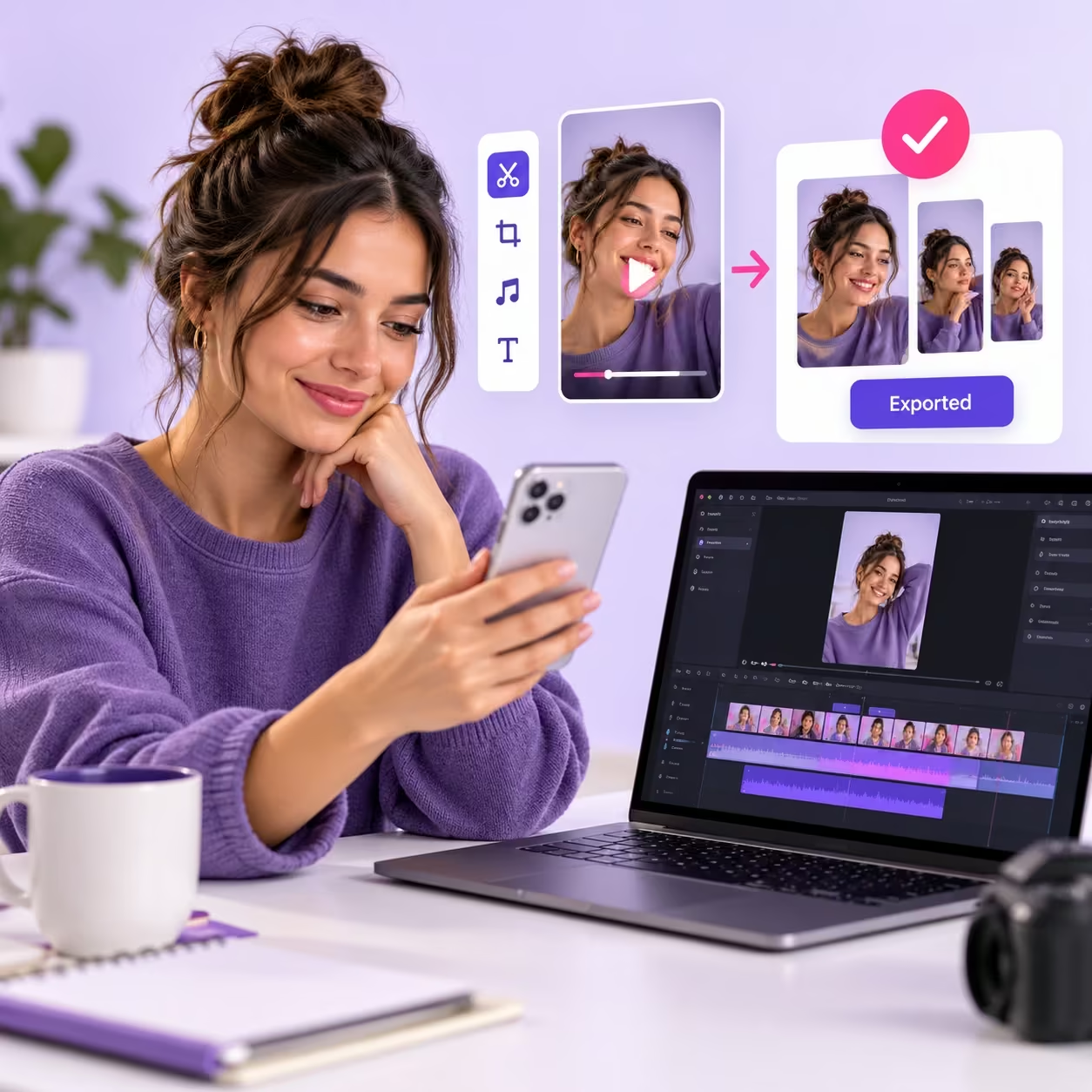
Illustrative project review, not a customer case study.
Questions before you choose
Can I order a Reel or YouTube Short?
Yes. Tell us your preferred vertical format and target runtime. The package limits apply to the final output and the total source footage.
Is music included?
Editing can use audio you supply and are permitted to use. Paid music or stock licensing is separate and must be approved before use.
What counts as a revision?
A revision is one consolidated feedback round within the approved brief. A new concept, replacement footage, or additional video is a scope change.
When does work begin?
After payment and receipt of a complete brief, contact@creatorriseagency.shop coordinates the scope and delivery schedule with you. The package price does not promise same-day delivery.
What happens after checkout?
You receive your WooCommerce order confirmation. Email your order number and project brief to contact@creatorriseagency.shop. Keep sensitive passwords out of the brief.
Are these ongoing subscriptions?
No. Each package is a one-time service with the listed deliverables. Additional work is agreed separately.
Have a project that needs a different scope?
Send your goals, platform, and deliverables. We can discuss the brief before you place an order.
Email your project brief